
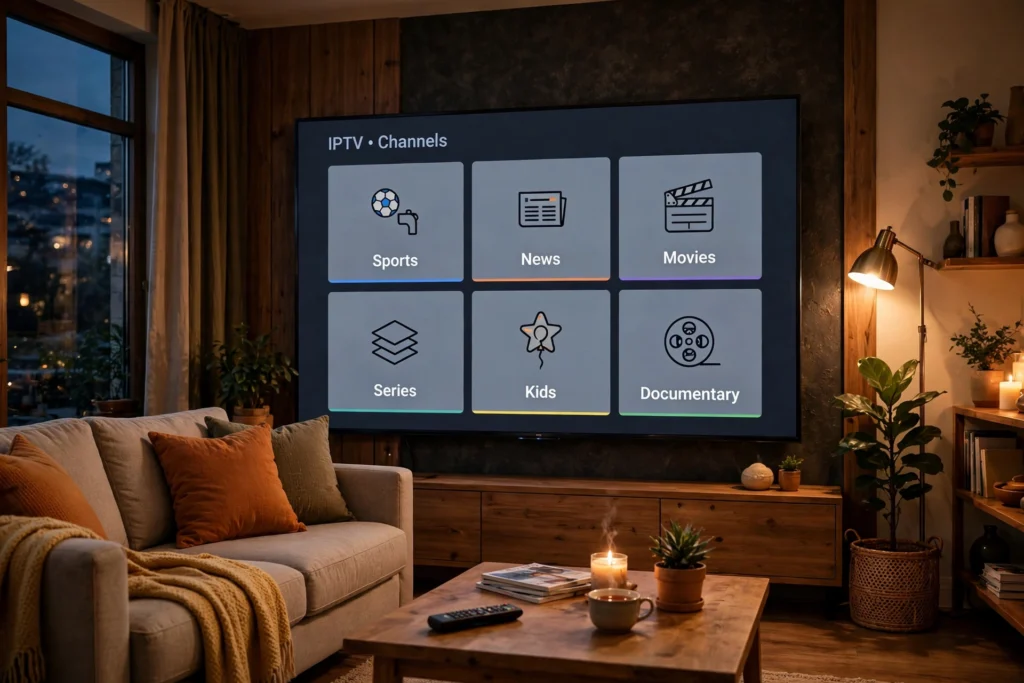
In short: For IPTV on Roku USA, Roku can work, but not the way a Firestick does. Roku is a closed system: there is no TiviMate, no sideloading, and no Downloader route. What does work is a store IPTV player, screen mirroring or casting from a phone, or adding a Firestick to the Roku TV. Test on a free trial before you commit.
Is IPTV legal in the USA? Read our guide before you subscribe.
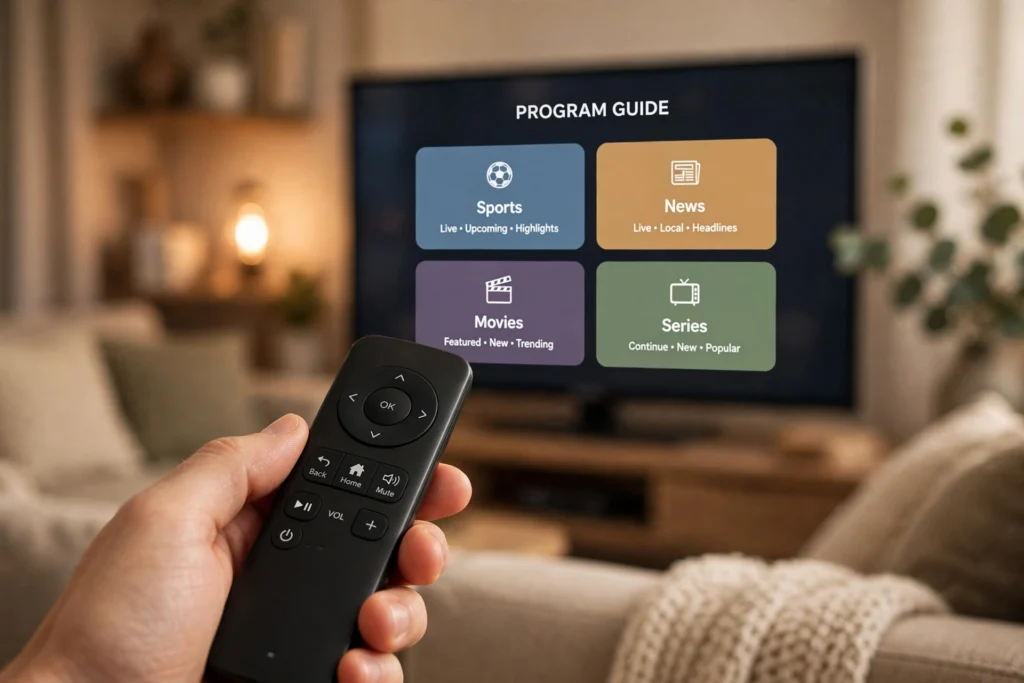
1. The Quick Answer: Roku Is Closed, Not Broken
Roku OS is a closed system. It only allows apps from its own Channel Store. That is why there is no TiviMate on Roku. There is also no sideloading. There is no Downloader route either. However, Roku is not broken. It is simply closed by design. You must use a player that Roku allows. Or you must mirror from your phone. Or you can add a Firestick to a Roku TV.
2. What Actually Works on Roku
A store IPTV player can work on Roku. First, look for IPTV Smarters-style players in the Roku Channel Store. Check the store on your own Roku first. Availability varies by model and region. Use the Xtream Codes login from your provider. Or use the M3U playlist details from your provider. A good player can show a guide. It can also offer favourites, if the player supports them.
3. Mirroring and Casting From Your Phone
AirPlay works from an iPhone or iPad. Screen mirroring works from Android where it is supported. The main benefit is simple. You do not need a new device. However, the downsides matter for live TV. Your phone battery drains faster. Calls can interrupt the stream. The guide is basic when you mirror.
4. When to Add a Firestick to a Roku TV
Add a Firestick if you want TiviMate. Also, choose one if you want a fuller guide. In addition, choose one if you want recording. Finally, add one if you want a player that Roku does not offer. A Firestick plugs into an HDMI port. It is the simplest fix in that case. It does not remove Roku. You simply switch inputs. See the Firestick vs Android TV Box guide for a direct comparison.
5. Setup Checklist Before You Pay
Check your Roku model and software first. Next, check the player in the Channel Store first. Then, test a live game at game time. Also, test a second room too. Check your internet speed. Aim for about 25 Mbps sustained per 4K stream as a guide. Allow 50+ Mbps headroom for multi-stream households. This is a guide, not a guarantee.
6. Cost and What You Already Own
USA IPTV LIVE plans are as follows. For 1 connection, pay $13 for 1 month, $32 for 6 months, or $62 for 12 months. Next, for 2 connections, pay $16 for 1 month, $40 for 6 months, or $75 for 12 months. Finally, for 3 connections, pay $20 for 1 month, $50 for 6 months, or $95 for 12 months. If you already own a Roku TV that runs its apps well, try the store-player route first. Do this before you buy anything else.
See the Plans page, Best IPTV Service USA 2026, Best IPTV for Sports USA, Samsung & LG guide, IPTV Free Trial USA guide, and Watch Live TV Without Cable guide.
Frequently Asked Questions
Can I watch IPTV on Roku?
Yes, through a store player or mirroring/casting, but not through TiviMate or sideloading, because Roku does not allow them.
Why is there no TiviMate on Roku?
Because Roku OS is closed and only allows apps from its own Channel Store, unlike Firestick/Android TV.
Is mirroring good enough for live sports?
For occasional viewing yes, but for regular game-day viewing a store player or a Firestick is more stable, because mirroring can drop when your phone locks or a call comes in.
Should I buy a Firestick for my Roku TV?
Only if the Roku route does not give you the player, guide, or features you need — test the Roku route on a free trial first, message USA IPTV LIVE on WhatsApp for a trial.
Roku first, Firestick only if needed
Try the store player or mirroring, test a live game, and add a Firestick only if that test fails on the player or guide you need.