
In short: TiviMate is the best IPTV player Firestick owners can pick if they want the best TV guide, recording, and multi-view, and its Premium unlock costs around $10 a year. IPTV Smarters Pro is the better pick if you want a free player with the fastest setup. Neither app includes channels — you still need a subscription, and both work with a standard playlist from a provider like USA IPTV LIVE.
This guide compares TiviMate and IPTV Smarters Pro to find the best IPTV player Firestick owners can install in 2026. These are the two names that come up in almost every Firestick discussion, and they suit different kinds of viewers, so the honest answer is not the same for everyone.
First, the distinction that trips up most buyers: a player is not a channel subscription. TiviMate and IPTV Smarters Pro are apps that display the channels you already pay for. They contain no channels of their own. You install the player, enter the playlist details your provider gives you, and the player turns that playlist into a TV guide. So the real question is not which app has more channels — neither has any — but which one gives you the better experience for the subscription you already own.
What does an IPTV player actually do?
An IPTV player takes your provider’s playlist and turns it into a watchable TV experience — a channel guide, categories, favourites, and playback — and nothing else.
Think of it like a music app. Spotify and Apple Music are players; the subscription is separate. In the same way, TiviMate and IPTV Smarters Pro are the apps, and a service such as USA IPTV LIVE — 27,000+ live channels and 80,000+ movies and series on demand, in HD and 4K — is the subscription that fills them. If your channels buffer, the cause is almost always the connection or the provider, not the player, which is why our speed guide matters just as much as this comparison.
Both players accept the same kind of input: an M3U playlist link or an Xtream Codes-style login (server address, username, and password) supplied by your provider. Setup takes a few minutes in either app. Where they differ is what happens after setup — the guide, the extras, and the price.
TiviMate: the best guide, at a small price
TiviMate is the best IPTV player Firestick users can choose for guide quality, with a polished grid guide, recording, catch-up, and multi-view behind a Premium unlock of around $10 a year.
TiviMate’s grid TV guide is the reason most Firestick owners end up here. It looks and feels like a proper cable box: channels down the side, programmes across the top, and a layout that is easy to browse with a remote during a game. The free version is genuinely usable — one playlist, live TV, and the basic guide — so you can try it before paying anything.
Premium, bought through the separate TiviMate Companion app rather than inside the player, unlocks the features that make it worth it for regular viewers: multiple playlists, scheduled recording, catch-up TV, multi-view for watching several channels at once, and use on up to 5 devices. As of October 2026 the price is around $9.99 a year or $33.99 for a lifetime licence, though it varies by region, so check the live price in the Companion app before paying.
There are two catches. First, TiviMate is Android-only, and on a Firestick it is sideloaded — it is not in the Amazon Appstore — so you install the APK yourself. Second, newer Fire TV models running Amazon’s Vega OS cannot run Android apps like TiviMate at all, so if you own one of those, TiviMate is not an option and Smarters’ wider device coverage matters more.
IPTV Smarters Pro: free, fast, and everywhere
IPTV Smarters Pro is the best free option, with the fastest setup of any Firestick player and the widest device coverage, trading TiviMate’s polished grid guide for a simpler list-style guide.
Smarters Pro asks nothing of you: no account, no unlock, no yearly fee. Install it, choose Xtream Codes login or an M3U playlist, enter the details your provider gave you, and you are watching. For someone setting up a parent’s Firestick, or a viewer who just wants live TV without learning a new app, that five-minute setup is the whole argument.
Its guide is a list rather than a grid, which is fine for finding a channel quickly but less pleasant for browsing what is on across sports channels on a Sunday. It covers more devices than TiviMate — Firestick (also sideloaded), Android TV, phones and tablets, and smart TV platforms — so one app can serve the whole house. Recording and catch-up depend on the version and the device, and they are not the headline features here the way they are in TiviMate Premium.
Smarters Pro’s weakness is polish. It does the job, but it does not feel like a premium TV product, and its development has been less steady than TiviMate’s. If you watch an hour a day and mostly stick to a few channels, you will never notice. If you live in the guide during football season, you will.
Side-by-side comparison
TiviMate wins on guide quality, recording, and multi-view; IPTV Smarters Pro wins on price, setup speed, and device coverage — and the table below makes the trade-off plain.
| Feature | TiviMate | IPTV Smarters Pro |
|---|---|---|
| Price | Free, or ~$9.99/year / ~$33.99 lifetime for Premium | Free |
| TV guide | Grid guide, best in class | List-style guide, adequate |
| Playlists | 1 free, multiple with Premium | Multiple |
| Recording | Yes, with Premium (scheduled recording) | Varies by version and device |
| Multi-view | Yes, with Premium | No |
| Catch-up TV | Yes, with Premium | Depends on provider and version |
| Firestick install | Sideloaded APK, not in Amazon Appstore | Sideloaded APK |
| Device coverage | Android / Fire TV only | Firestick, Android TV, phones, tablets, smart TVs |
| Best for | Daily viewers, sports fans, recorders | Free setup, simple viewing, whole-house coverage |
Read the table as a trade-off, not a scoreboard. Paying around $10 a year buys the better guide and recording; paying nothing buys the faster setup and the wider device range. Neither choice is wrong, and both need the same thing underneath: a subscription that actually works, which is where a provider with published prices and a public channel list earns its place.
The verdict: the best IPTV player Firestick choice
For most Firestick owners, TiviMate with Premium is the best IPTV player Firestick pick, while IPTV Smarters Pro is the right pick if you want it free, fast, and simple.
Choose TiviMate if you watch live TV most days, follow sports, want to record games, or like browsing a proper grid guide. The Premium unlock is a small yearly cost next to any TV bill, and the free version lets you confirm you like it first. Our Firestick guide covers the standard setup, and the IPTV vs cable cost breakdown shows what a real saving looks like next to cable.
Choose IPTV Smarters Pro if you want to spend nothing on the player, want the quickest setup, or need one app across Firestick, phones, and smart TVs. It is also the safer recommendation for a relative’s TV, where simplicity beats features. If you later find yourself wanting recording and a better guide, switching players costs nothing but a few minutes — your subscription stays the same either way.
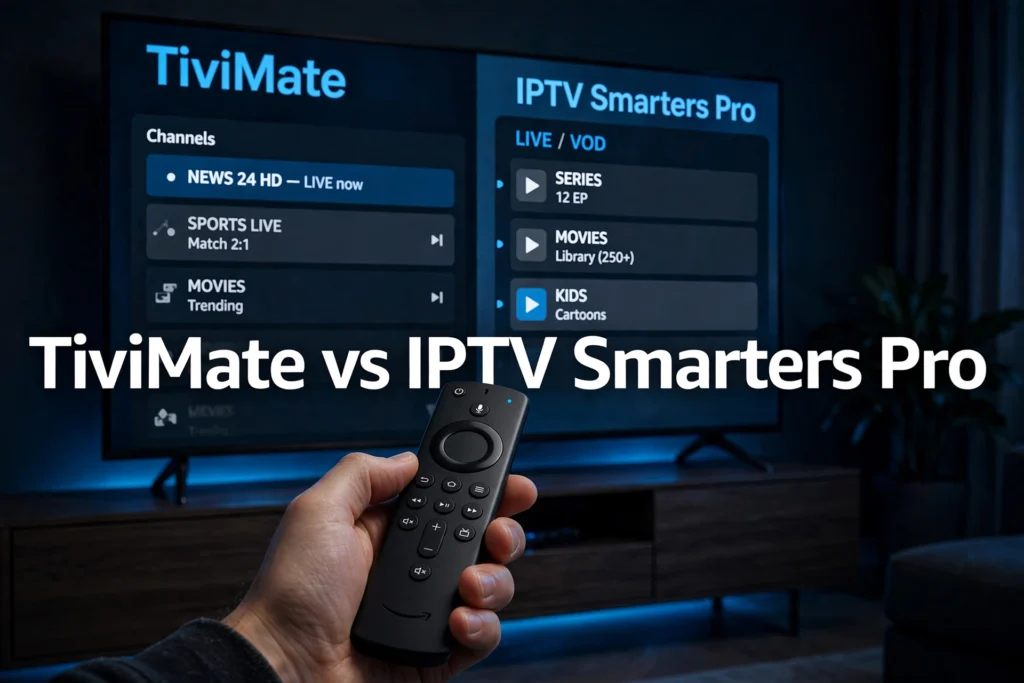
Setting up with USA IPTV LIVE
Pick a plan, install either player on your Firestick, enter the playlist details your provider supplies, and test it live during a big game before judging it.
Start with the subscription: USA IPTV LIVE plans run $13/$32/$62 for 1/6/12 months on one connection, $16/$40/$75 on two, and $20/$50/$95 on three, with no activation fee — see the full subscription plans or the buy page. A cheaper plan is on the cheap IPTV page at the same prices. Then install your chosen player, enter the playlist or login details supplied after activation, and let the guide load.
Test properly. Watch a live game, not a quiet channel at noon, and check the connection advice in our speed guide — about 25 Mbps of real, sustained speed per 4K stream, ideally over Ethernet or strong Wi-Fi. If a channel buffers, refresh the playlist and check the connection before blaming the player. And if a deal looks too good to be real, read our guide to spotting a cheap IPTV scam before paying anyone.
FAQ
Do TiviMate and IPTV Smarters Pro include channels?
No. Neither player includes any channels. Both are apps that display a subscription you buy separately, using an M3U playlist or an Xtream Codes-style login supplied by your provider. Without a subscription, both players show an empty guide.
Is TiviMate free?
The base TiviMate app is free, with one playlist and a basic guide. TiviMate Premium, bought through the separate TiviMate Companion app, costs around $9.99 a year or $33.99 for a lifetime licence as of October 2026, with prices varying by region. Premium adds multiple playlists, recording, catch-up, multi-view, and use on up to 5 devices.
Is IPTV Smarters Pro really free?
Yes. IPTV Smarters Pro is a free player with no unlock fee. You still need a paid IPTV subscription to watch anything in it, and recording and catch-up features vary by version and device, so check those on your own setup before relying on them.
Which player is better for watching sports on Firestick?
TiviMate, for most sports fans. Its grid guide makes it easier to browse live games, and Premium multi-view lets you watch several channels at once on game day. IPTV Smarters Pro is fine for watching a single game, and it is the better choice if you want a free, simple setup.
Can I use TiviMate or IPTV Smarters Pro on a Samsung or LG Smart TV?
IPTV Smarters Pro covers smart TV platforms, while TiviMate is Android-only and does not run on Samsung or LG smart TVs. If your main TV is a Samsung or LG set, Smarters Pro or your TV’s own app store options are the practical route; TiviMate is a Firestick and Android TV choice.
Do I need a VPN to use these players?
No. A VPN is not required to run either player, and it does not change whether a service holds the rights to its channels. A VPN can help with privacy on an untrusted network or with a throttled connection, but it is optional, not a requirement for either app.
Do not pay for a player before you know your subscription works. Test the service live during a big game first — confirm a free trial with the team on WhatsApp: https://wa.me/447938436444?text=Hi,%20I%20want%20to%20get%20a%20free%20trial